
 Instagram
I have a confession to make. I recently started going down the rabbit hole of content creation and AI influencers. I kept reading all these wild stories about everyday people making thousands of dollars a month online. Naturally, my very first thought was: how do you actually get your hands on that cash?

Example: you earn $100 on 3rd of Nov, expect it in your account by December max.
As I researched the best platforms, Fanvue kept popping up as the top choice, especially because they are super friendly to AI creators. But the biggest question on my mind was about the Fanvue payout time. Making money on a digital dashboard is cool, but that money isn't real until it actually hits your bank account!
I decided to do a massive deep dive. I read through Fanvue’s official help center, dug deep into frustrated Reddit threads, and scoured Trustpilot reviews to find out exactly how and when you get paid.
Here is my complete, simple, and skimmable guide to everything I just discovered about the Fanvue payout time, the hidden rules, and the mistakes you need to avoid.
The Magic 7-Day Rule (Pending vs. Available Balance)
Let me start with the good news. When you compare it to the biggest competitors out there, the standard Fanvue payout time is actually incredibly fast.
If you use a platform like OnlyFans, you have to wait a painfully long 21 days after a fan pays you before those funds are cleared. That is three whole weeks of waiting! Fanvue, on the other hand, clears your funds in just 7 days.
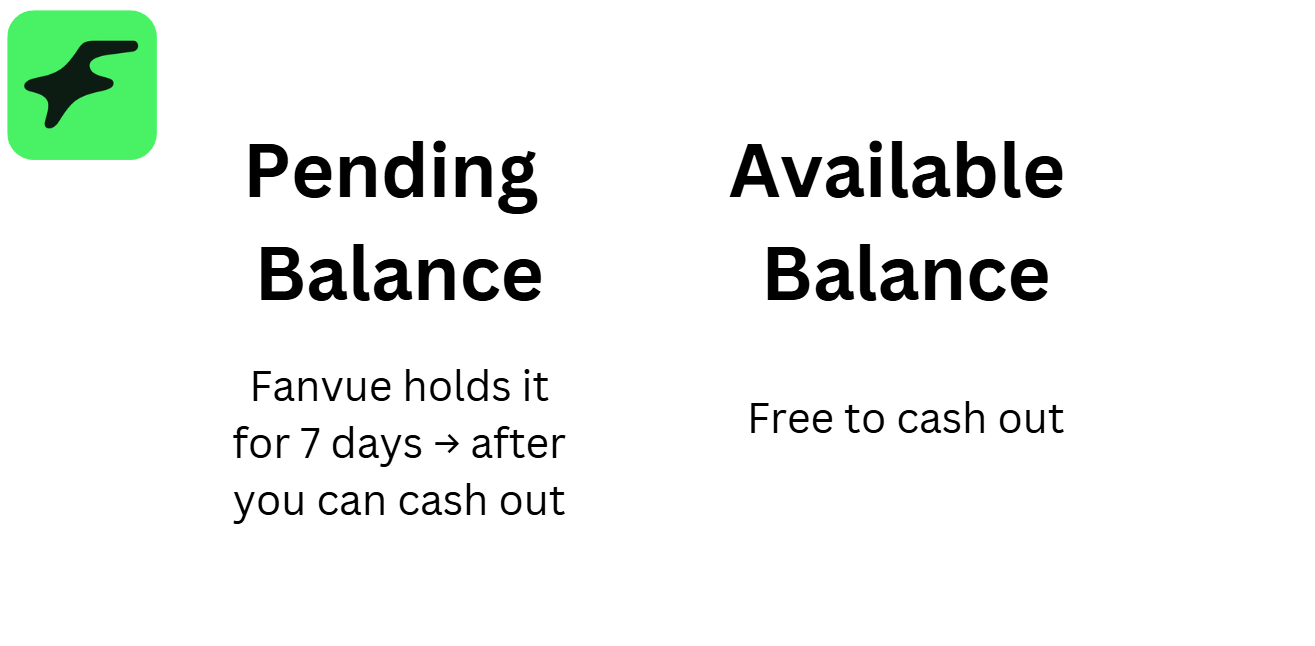
When a fan buys your subscription, tips you, or buys a Pay-Per-View (PPV) message, that money instantly goes into your Pending Balance. This is a standard security holding period so the platform can process the funds and take out their fee (Fanvue takes 15% for your first three months, and 20% after that).
Once those 7 days are up, the money magically moves into your Available Balance. At this point, it is yours to withdraw!
The Hidden Catch: The 30-Day Email Verification Trap
While reading through the official rules to learn more about Fanvue payout methods, I found a sneaky little exception that you absolutely need to know about.
Sometimes, a fan will pay you, but the money will sit in your Pending Balance for way longer than 7 days. I was confused at first, but it turns out there is a specific reason for this. If the fan who bought your content has not verified their email address with Fanvue—similar to when you must verify Fanvue account details to start earning—the platform will put a hold on that specific payment for 30 days.
This is to protect against fraud and chargebacks. Knowing this helps you manage your money, much like understanding how Fanvue refund works. So, if you notice your Fanvue payout time dragging on for a specific sale, don't panic right away. It just means the buyer was too lazy to click the verification link in their email. Sometimes holds happen if you need a Fanvue media under review fix, but in this case, you will still get your money; you just have to wait a month to see it hit your Available Balance.
How Do You Actually Withdraw Your Money?
Once your money is finally in your Available Balance, you have to manually request a withdrawal.
The official minimum amount you need in your account to request a payout is only $20. Once you hit that tiny milestone, you can hit the withdraw button!
However, your payout options and minimums will depend entirely on where you live and what method you choose. Here are the methods I discovered:
- Direct Bank Transfer: This is the universal method available to almost everyone around the world.
- Crypto Wallets: If you want to get paid in Cryptocurrency, you can do that! The minimum withdrawal amount for crypto is $50. Many creators on Reddit mentioned that crypto payouts are blazing fast.
- MassPay eWallet: This is a global payout service that lets you deposit funds into an eWallet and then transfer them to your local currency or Payoneer. Be warned: the minimum withdrawal amount for MassPay is a steep $400.
- Cosmo Payment: Another eWallet option available for creators.
How Long Does the Transfer Actually Take?
Okay, so you clicked "Withdraw". When does the money arrive at your bank?
According to Fanvue, once you request a payout, it is processed and sent to your chosen payout method within 3 to 7 business days.
If it is your very first time withdrawing money from the platform, it might take a little bit longer. Fanvue runs a routine fraud check on first-time withdrawals. After that first one clears, the Fanvue payout time usually speeds up drastically, with some creators claiming it only takes minutes for the transfer to process.
The Dark Side: What I Found on Reddit and Trustpilot
I promised you an honest guide, and that means talking about the bad stuff, too. While researching the Fanvue payout time, I found a lot of angry creators on Reddit and Trustpilot.
It turns out that requesting your money can sometimes trigger a security nightmare. Here is what you need to watch out for:
The "5-Day Review" Hold: Many new creators reported that the second they tried to withdraw their money (especially larger amounts like $800 or $2,000), Fanvue instantly froze their payout. The creators received a message saying their account was under a "5-day review" as part of a standard process for new accounts. Sometimes, this review drags on for weeks while support figures out if your account is safe.
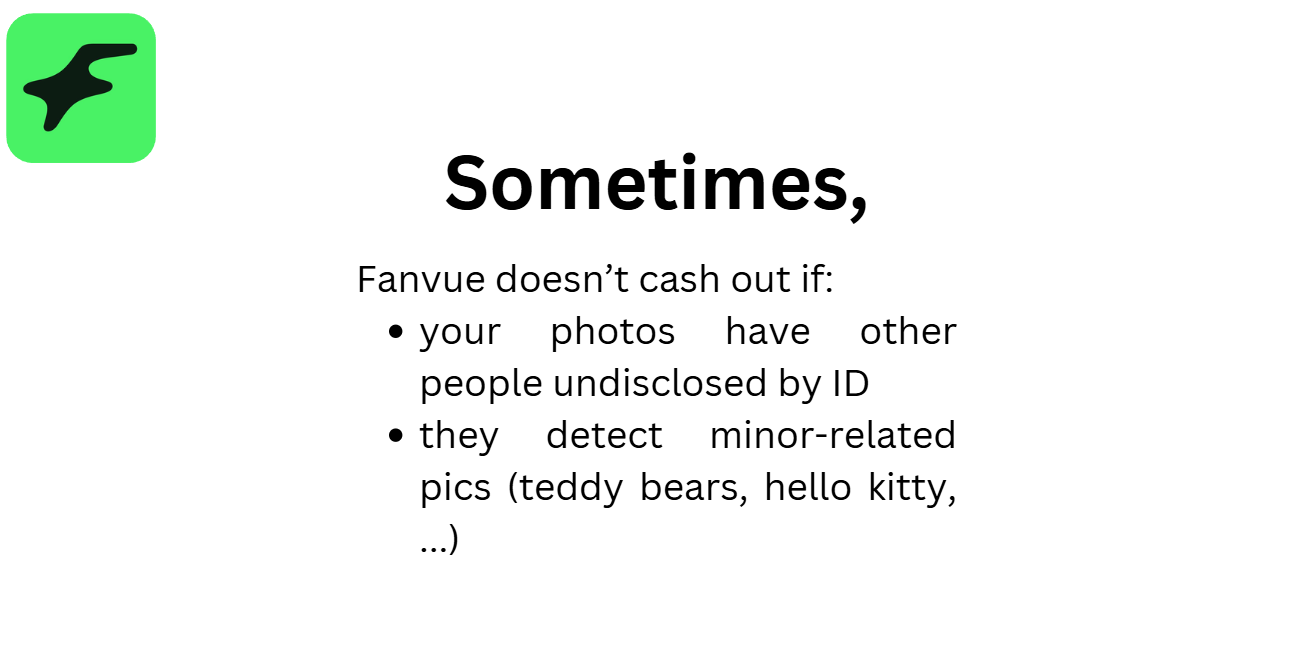
The "Co-Creator" Trap: Some creators had their money totally frozen because they posted content featuring other people. By law, Fanvue requires you to upload a Model Release Form and ID for every single person who appears in your photos or videos. If you don't have this paperwork, they will freeze your payouts as a "safety net" in case fans ask for refunds.
AI Disclosure Bans: If you are running an AI-generated model, you must clearly state that the model is AI in your bio or via watermarks. I read horror stories of creators who made thousands of dollars, only to have their payouts blocked and their accounts suspended right before payday because they tried to trick fans into thinking the AI was a real human.

Join 500+ creators in AI Model Factory – your no-BS Skool playbook for faceless riches.
What's Inside (Proven System):
- IG Growth Hacks: Viral reels with 550k+ views, DM funnels, ban-proof posting.
- AI Images/Videos Mastery: Create stunning influencers in hours using free tools (no Photoshop needed).
- ComfyUI Guide: Step-by-step setup + prompts for consistent, hyper-real models (beginner-friendly).
- Fanvue Guide: Launch, verify AI accounts, PPV pricing, chatting masterclass.
Real students hit $5k week 1
Learn More →
My Golden Rules for Getting Paid Fast
After reading all the fine print and learning from the mistakes of other creators, I put together a quick checklist to make sure your Fanvue payout time is as fast as possible.
If you want your money without the headaches, follow these rules:
- Match Your Bank Details: This is the most important rule! The name on your bank account must exactly match the name of the person who completed the initial ID Verification (KYC). If you use your real ID to sign up, but try to send the money to a bank account owned by your friend or your stage name, the payout will be blocked instantly.
- Delete Content You Don't Own: If you have photos with ex-boyfriends, random friends, or any other person who hasn't signed a Fanvue consent form, delete them immediately. Don't give them an excuse to freeze your funds!
- Remember Your Taxes: Fanvue pays you the full gross amount. They do not withhold any taxes for you. The money you see in your Available Balance is exactly what gets sent to your bank. It is 100% your responsibility to set aside money and pay your local taxes at the end of the year.
- Stay Patient on Your First Payout: Expect your very first withdrawal to take the full 7 business days. Don't panic and spam customer support on day two. Let the system do its initial security checks.
Final Thoughts: Is Fanvue Worth It?
After all my research, I honestly believe Fanvue is a fantastic option, especially if you are tired of waiting nearly a month to get paid on other platforms.

Yes, the security reviews sound a bit scary, but they only seem to target creators who break the rules, steal content, or fail to disclose their AI models properly. As long as you play by the book, pass your ID verification, and ensure your bank details match, the 7-day Fanvue payout time is one of the best in the entire creator economy.
I am definitely going to keep setting up my account. If you are starting your creator journey too, just make sure you follow the rules, and you will be seeing those bank deposits in no time!